I’ve been a “coder” for as long as I can remember — copying out lines and lines of BASIC from the back of magazines as a child and hoping to get some small game working that I could then play as a result of my hard labour. Around 2011, not long after the iOS App Store first launched, I put out some iPhone apps — mainly because I was a keen kayaker at the time who wanted a simple way to check the local tide times — and it appeared that others also wanted this feature too! Then, the reality of managing this alongside the day job, and maintain code (not least converting from Objective-C to Swift) slowly meant that my iOS development days were behind me.
15 years later then, and I’ve been blown away by the capabilities of Cursor (and Claude Code, and OpenCode, but let’s just keep to Cursor for now). I’ve used it to build web applications for teaching projects, as well as for pulling and debugging Github project repositories, and all sorts of code-based projects. As an avid Mac user, I then took a leap and linked Cursor with Xcode — and I was sold! Now, not only could I ask for a “simple game”, and have it code this up in seconds, but I could point it directly to iPhone and iPad simulators, and interact with these in the way that has become second nature for many of us.
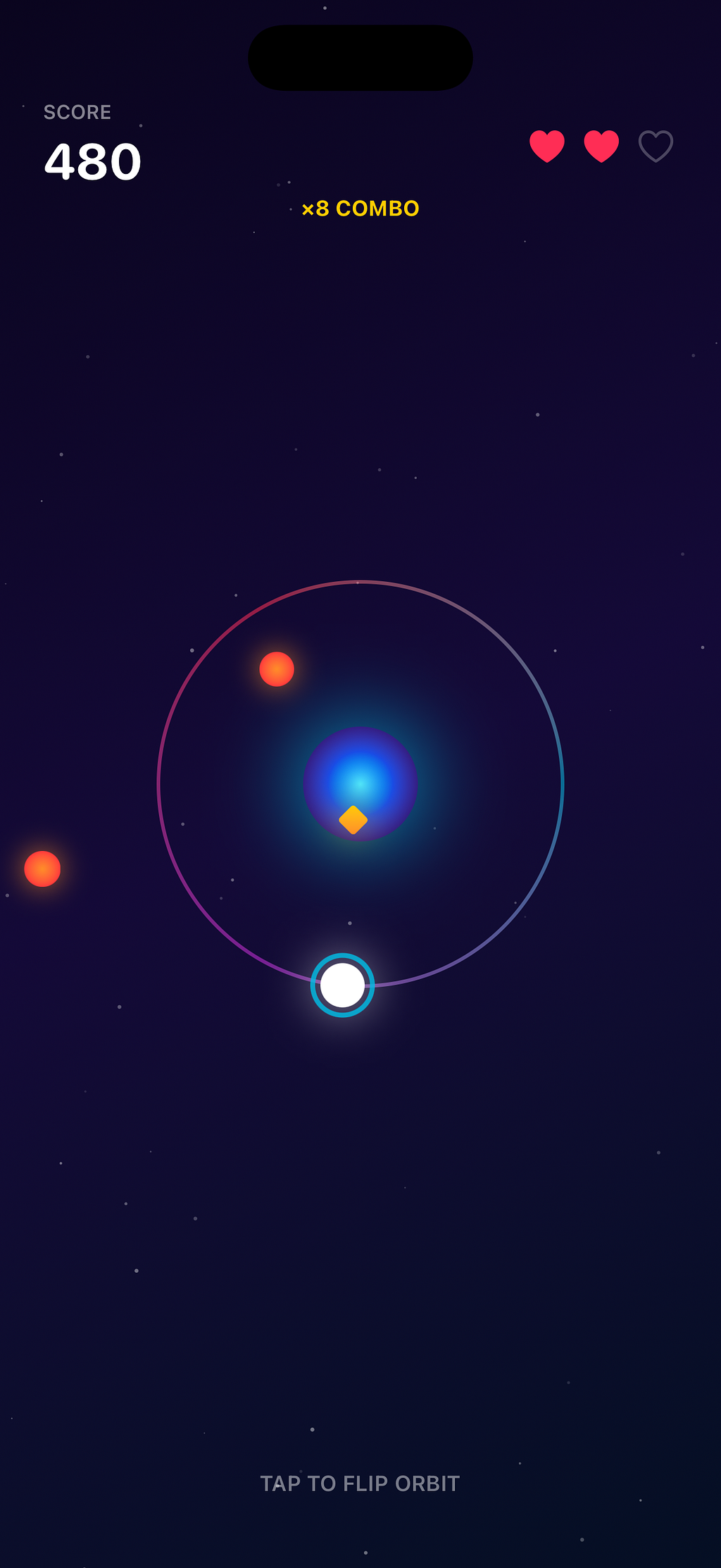
Just as a brief example — I asked Cursor to “build me a simple iPhone game”. I didn’t give it any specifics deliberately, I asked it to make all decisions. I just wanted something quick and playable. Within about 30 seconds, I had Neon Orbit playing on my physical iPhone — a simple “collect the yellow gems, avoid the red blobs, kinda game”. Cursor wrote the code, Xcode deployed it to my physical device — mind blown!
Check out the source for Neon Orbit from Github— run it via Xcode if you wish.
Or perhaps, why not try and orchestrate your own game using Cursor and Xcode too?
As the barrier for learning specific tooling reduces, it opens up human creativity and imagination for what else may be possible.